 ICAONAV
Feature matrix - three editions
Which ICAONAV does what
Online in the browser, Standalone on your Windows PC, Examination with the exam kit: one table, feature by feature.
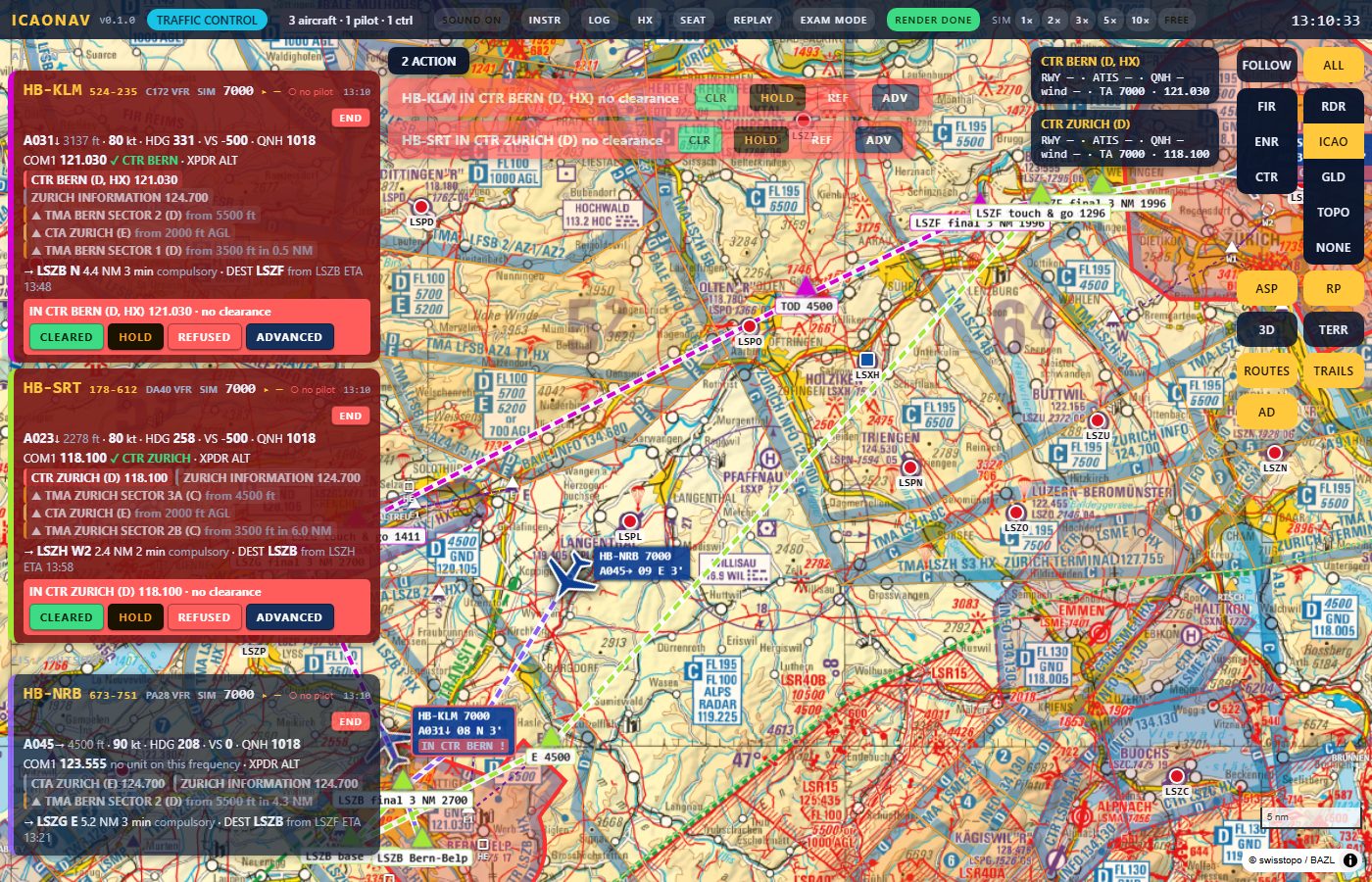
Feature matrix
included · not available · text a condition or a value · planned on the list, not built yet. Swipe sideways on a phone.
| Feature | Onlineonline-1.icaonav.com | StandaloneWindows app | ExaminationStandalone + exam kit |
|---|---|---|---|
| Map and navigation | |||
| swisstopo ICAO chart 1:500 000 | |||
| Glider chart and swisstopo topographic map | |||
| 3D chase, cockpit and terrain views | |||
| Radar (RDR) and plain (NONE) map modes | |||
| Route planner with place search (swisstopo) | |||
| Airspace layers CTR, TMA, CTA, FIZ, FIR and FIS sectors, with entry warnings and acknowledgements | |||
| Alpine CTA split (Mittelland/Jura and Alps parts) | |||
| Altimeter with QNH / STD subscale | |||
| Reporting points with distance, bearing and ETA | |||
| Aerodrome frequencies | |||
| Phraseology help: suggested call, readback, clearances in standard wording | |||
| Flight sources | |||
| Simulated aircraft flown from the browser (plan, take-off, route, landing) | |||
| X-Plane 12 live aircraft (Web API or UDP) | – | ||
| MSFS 2024 / 2020 live aircraft (built-in SimConnect client, no SDK) | – | ||
| Squawk and COM1 written back to the simulator | – | ||
| Rooms and sessions | |||
| Pilot and controller seats | |||
| Several pilots in one session | |||
| Session code (9 digits) and controller id (6 digits) | |||
| QR code to join | |||
| Who can join | anyone with the link | local network | local network |
| Public sessions listed on the Online page | – | – | |
| Private solo room ("play alone") | |||
| Controller seat | |||
| Flight strips, warnings before a CTR, TMA or FIZ, traffic information | |||
| Quick clearances CLEARED / HOLD / REFUSED and the advanced editor | |||
| Scenario cards (runway, ATIS, QNH, wind) and the event log | |||
| SIM speed 1x to 10x for every flight, END flight | |||
| Flight codes and REJOIN from another device | |||
| Voice | |||
| Voice party line with push-to-talk | – | – | |
| 30 s transmit limit, controller MUTE and hold-mute | – | – | |
| Recordings of the voice channel | – | – | exam sessions |
| Documents and data | |||
| Shipped data: reporting points, frequencies, aerodromes, phraseology, airspace classes | |||
| skyguide eVFR Manual (VAC, AD INFO) next to the map | – | with your own Skybriefing login | with your own Skybriefing login |
| Alternative VFR manuals (aerodrome information not from skyguide)online only, not available in the local editions | planned | – | – |
| User data overrides (frequencies, reporting points, aerodromes) | – | ||
| Examination | |||
| Exam kit | – | – | on request |
| Exam mode: locked interface, plain route, hidden helpers | – | – | |
| Exam sessions with code and controller id | – | – | |
| Start paused, PAUSE / RESUME with exam time | – | – | |
| Audio capture of every participant with VU levels | – | – | |
| Data recording of every student's page | – | – | |
| Replay viewer | – | – | |
| Video render (MP4 of the session per student) | – | – | |
| Recordings stored locally under the kit folder | – | – | |
| Platform and installation | |||
| Installation | none, runs in the browser | Windows 10/11, portable zip | Windows 10/11, portable zip + exam kit |
| Auto-update | – | ||
| iPad, tablet and phone pages | |||
| Tray app with local HTTPS certificate | – | ||
| Limits | |||
| Pilots per session | 8 | no fixed limit | about 4 students |
| Session length | 6 h, or 30 min without the controller | unlimited | unlimited |
| Sessions at a time | 30 on the server | 1 per PC | 1 per PC |
| What is stored | nothing | nothing | exam recordings on your PC |
Early access: the table follows version 0.6.0 and the online server of today; details change between builds. The exam kit is not a public download: write to us.
Pick your edition
Play online Download Standalone Flight Simulators Examination
Not for real navigation.