Early access - Windows - iPad in the browser

ICAONAV - the Swiss ICAO chart as your moving map

Fly on the official ICAO VFR chart of Switzerland: from your flight simulator, or without one.

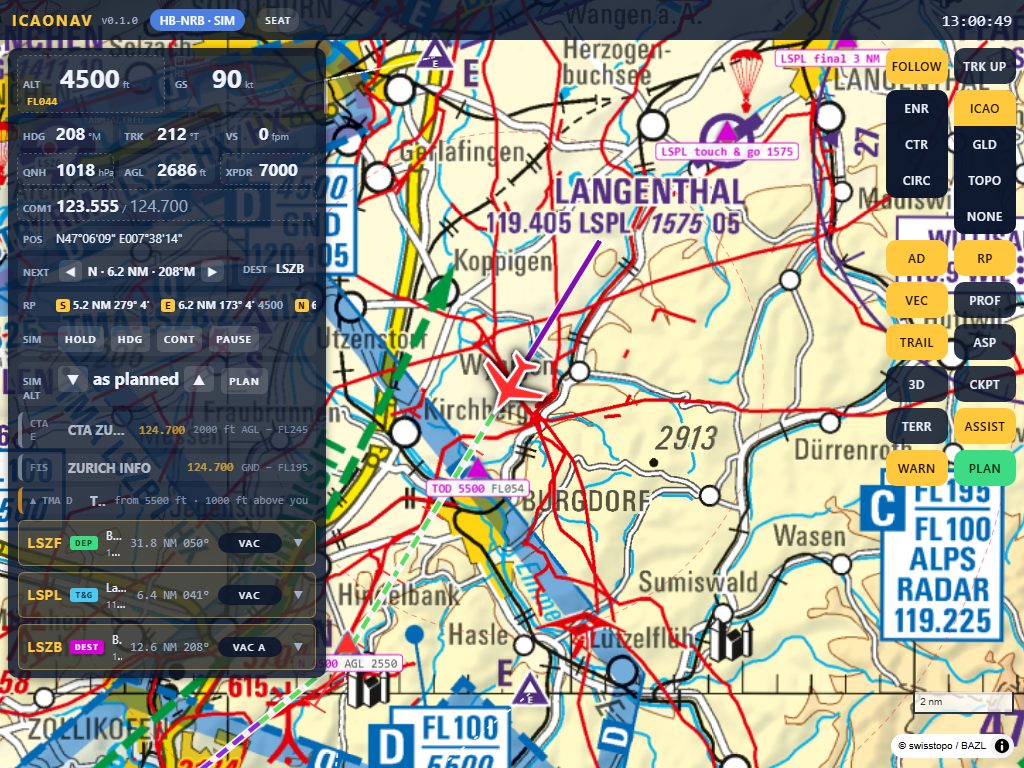
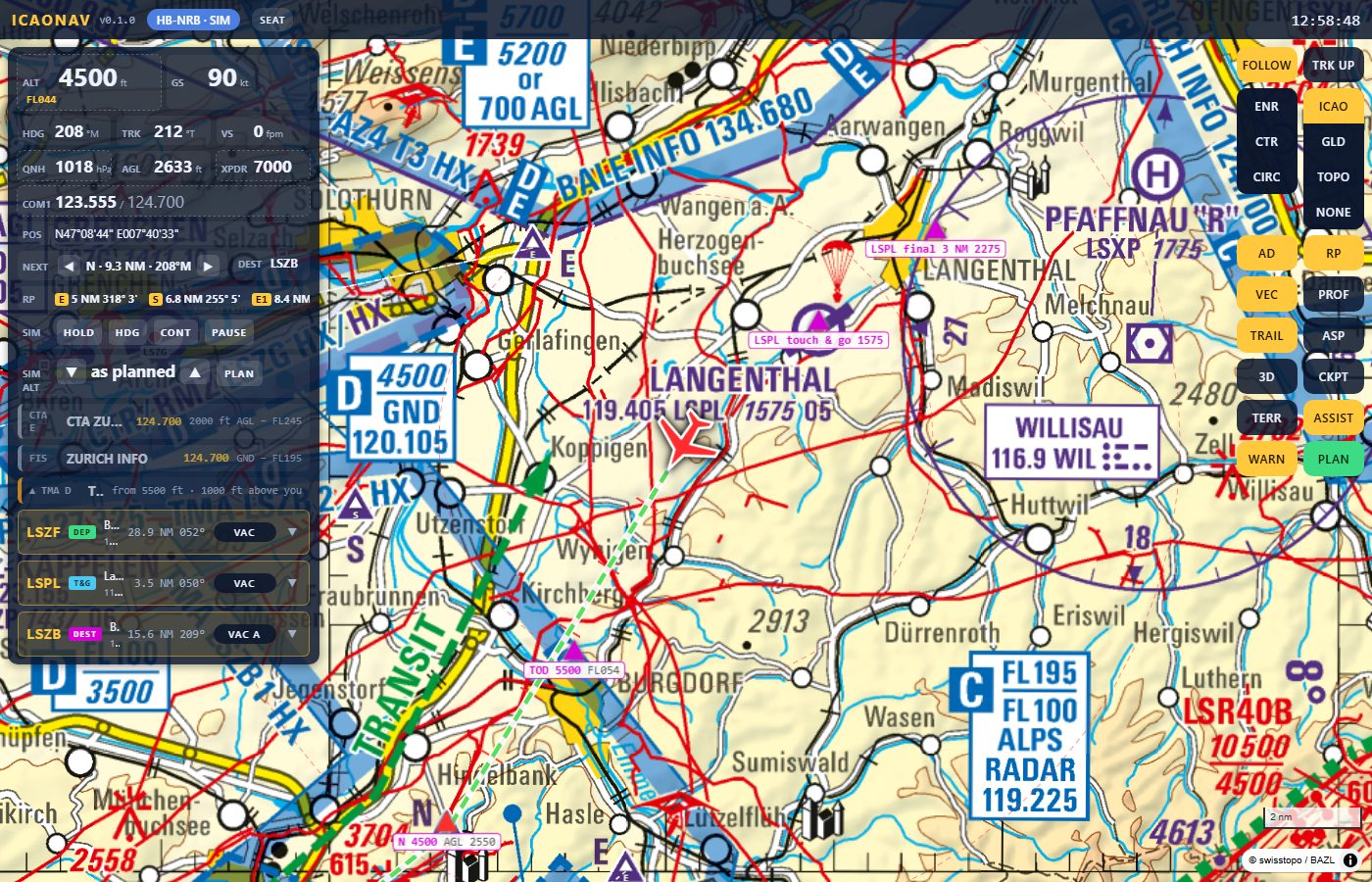
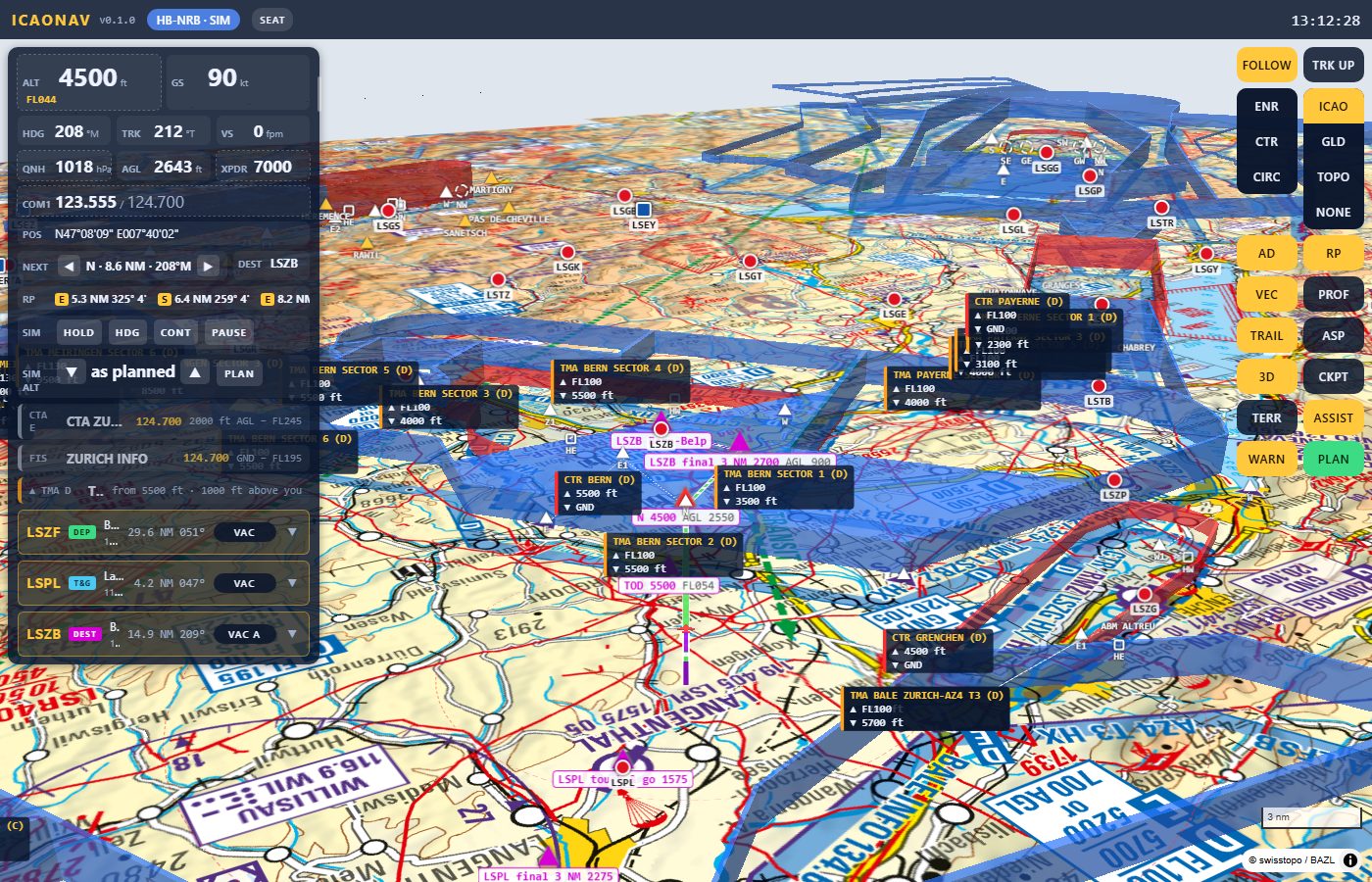
The ICAONAV pilot page: an aircraft symbol on the swisstopo ICAO chart near Langenthal, with the instrument panel, the airspace rows and the aerodrome rows on the left
The pilot page: the aircraft on the swisstopo ICAO chart with the airspace you are in and the one ahead.

What it is

ICAONAV is a small Windows program that serves a web page on your home network. The page shows the official swisstopo ICAO chart 1:500 000 with an aircraft on it, the airspaces, the reporting points and the aerodromes. iPads, phones and laptops open it in the browser; nothing is installed on them.
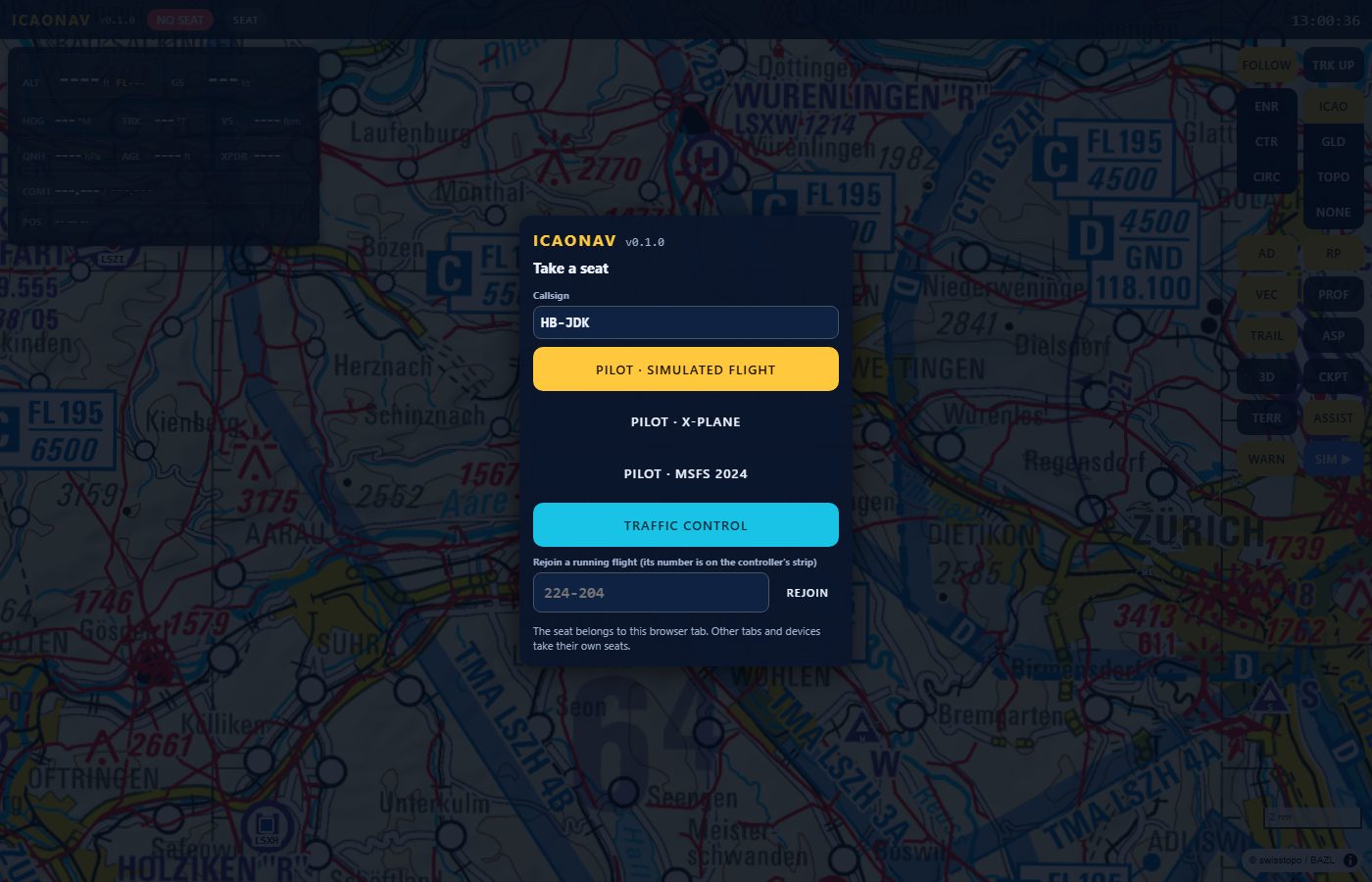
The Take a seat dialog: callsign field and the buttons Pilot - simulated flight, Pilot - X-Plane, Pilot - MSFS 2024, Traffic control, and rejoin by flight number
Take a seat: simulated flight, X-Plane, MSFS 2024 or traffic control.

Two minutes of ICAONAV

A simulated flight from Birrfeld to Bern with the controller seat on a second screen.

Made for VFR radio practice

A VFR pilot talks to the controller in reporting points, airspace boundaries, altitudes and circuits. ICAONAV makes those the first-class objects: it announces a CTR or TMA ahead with the frequency to call, lists the reporting points with distance and ETA, and proposes the radio call to make.

3D chase view behind the aircraft north of Bern with the ICAO chart and the airspace volumes of CTR Bern, TMA Bern, CTR Grenchen and TMA Payerne drawn as boxes with their floor and ceiling
3D chase view: the airspaces as volumes with their floor and ceiling, the route as a ribbon.

The controller seat

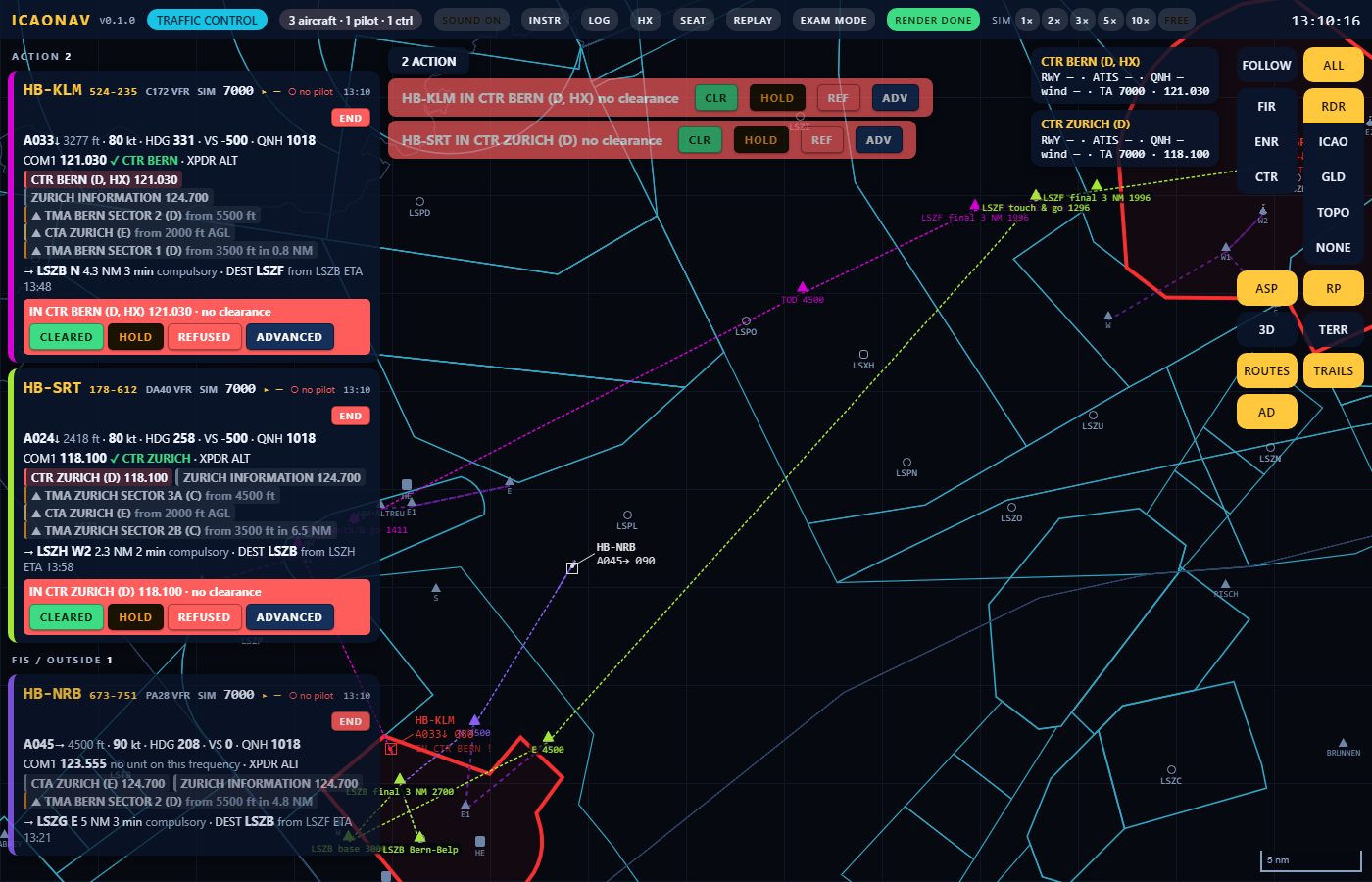
A second person takes the Traffic control seat on another device. The controller page shows a flight strip per aircraft, a radar-style map, warnings before an aircraft enters controlled airspace, and quick clearances (CLEARED, HOLD, REFUSED) that are pushed to the pilot's page for the readback, in standard phraseology.

The controller page in radar mode: three flight strips on the left, two of them with a red warning and the buttons CLEARED, HOLD, REFUSED, ADVANCED; radar symbols with data blocks and cyan airspace outlines on a dark map
The controller seat: flight strips and the radar view.

Screenshots

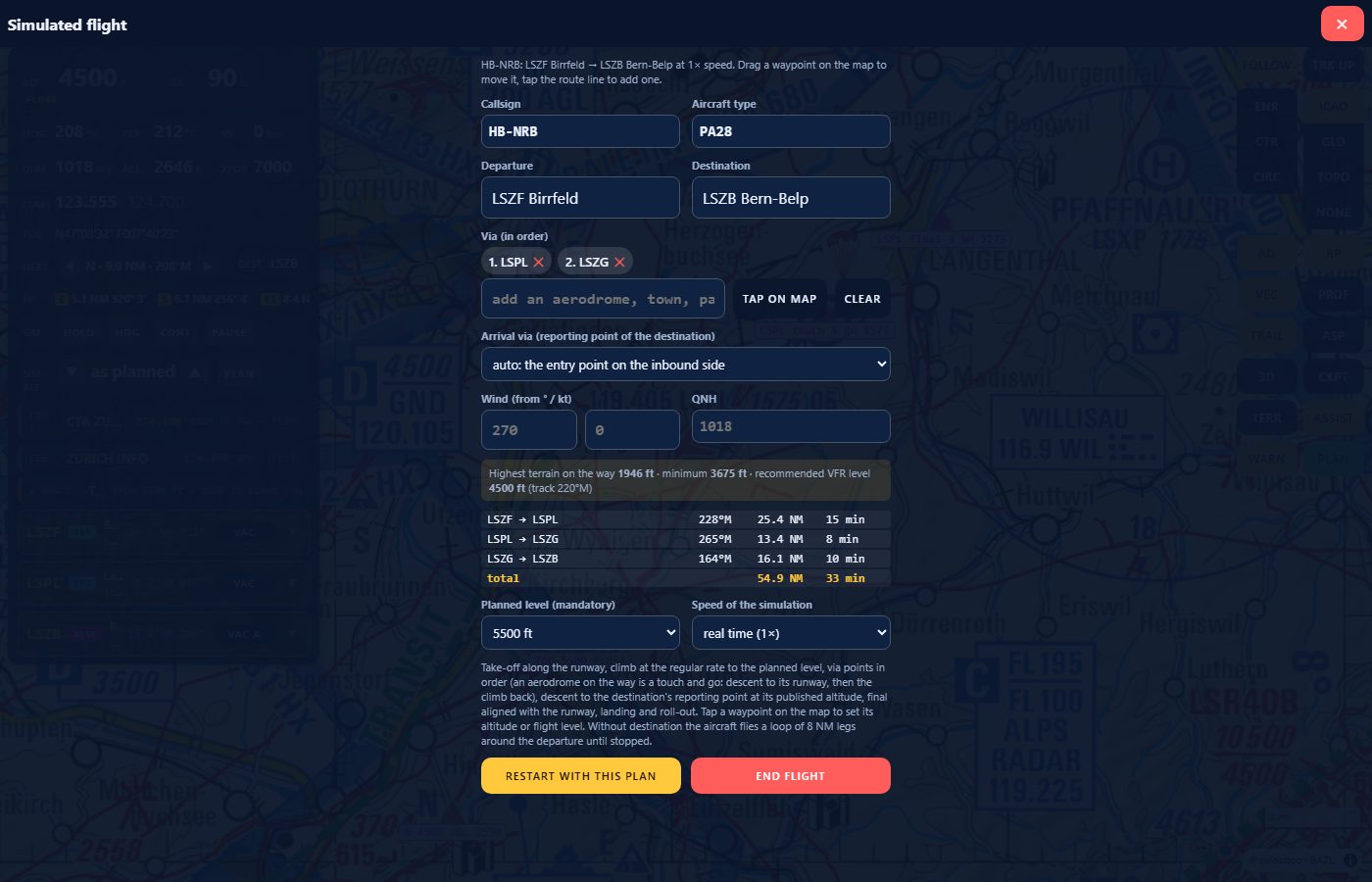
The plan sheet of a simulated flight: departure, destination, via points, wind, QNH, the leg table and the planned level
The plan sheet with every leg.
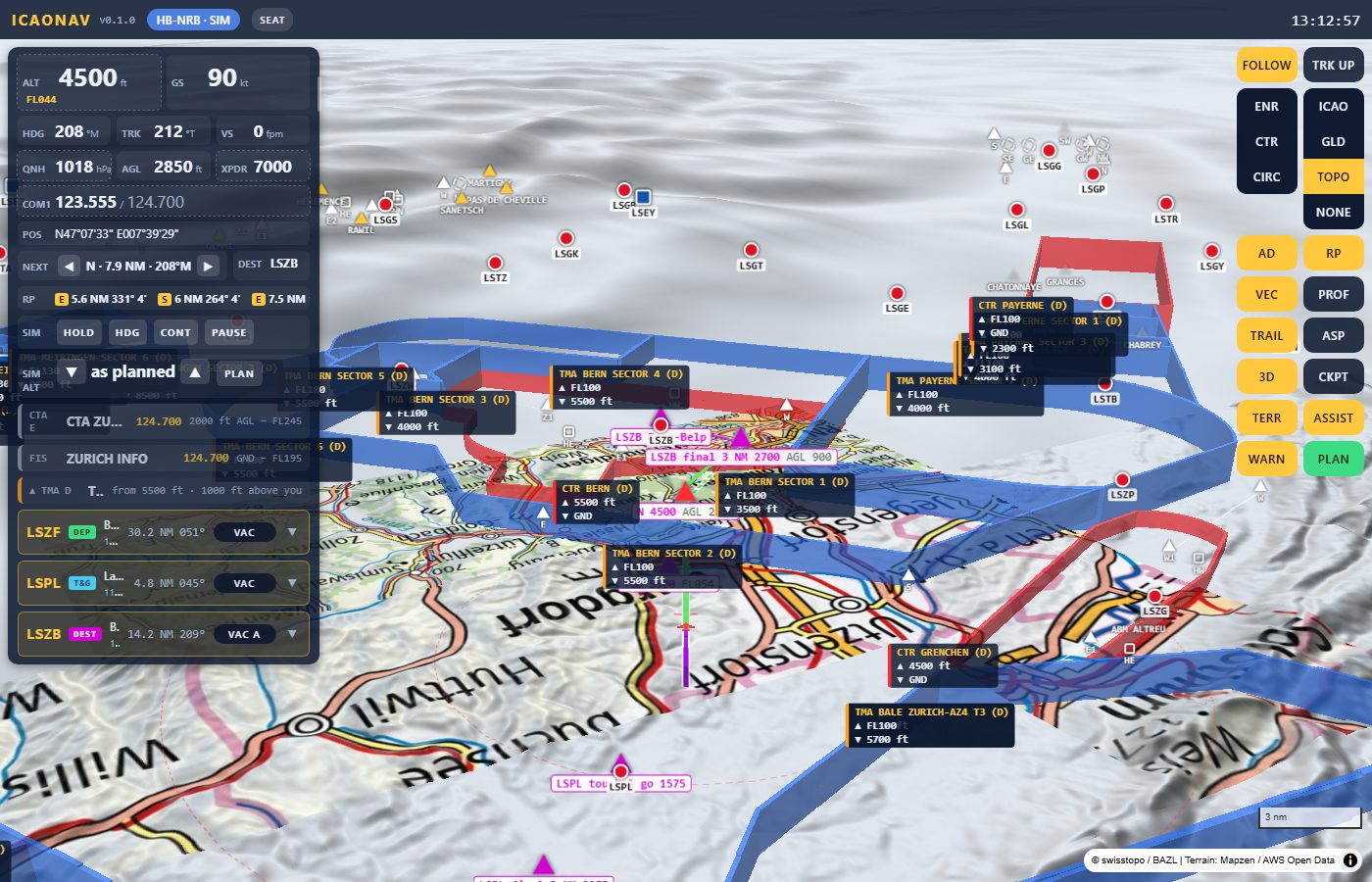
TERR view: the swisstopo map draped over the 3D relief with the airspace volumes above it
TERR: the chart on the relief.
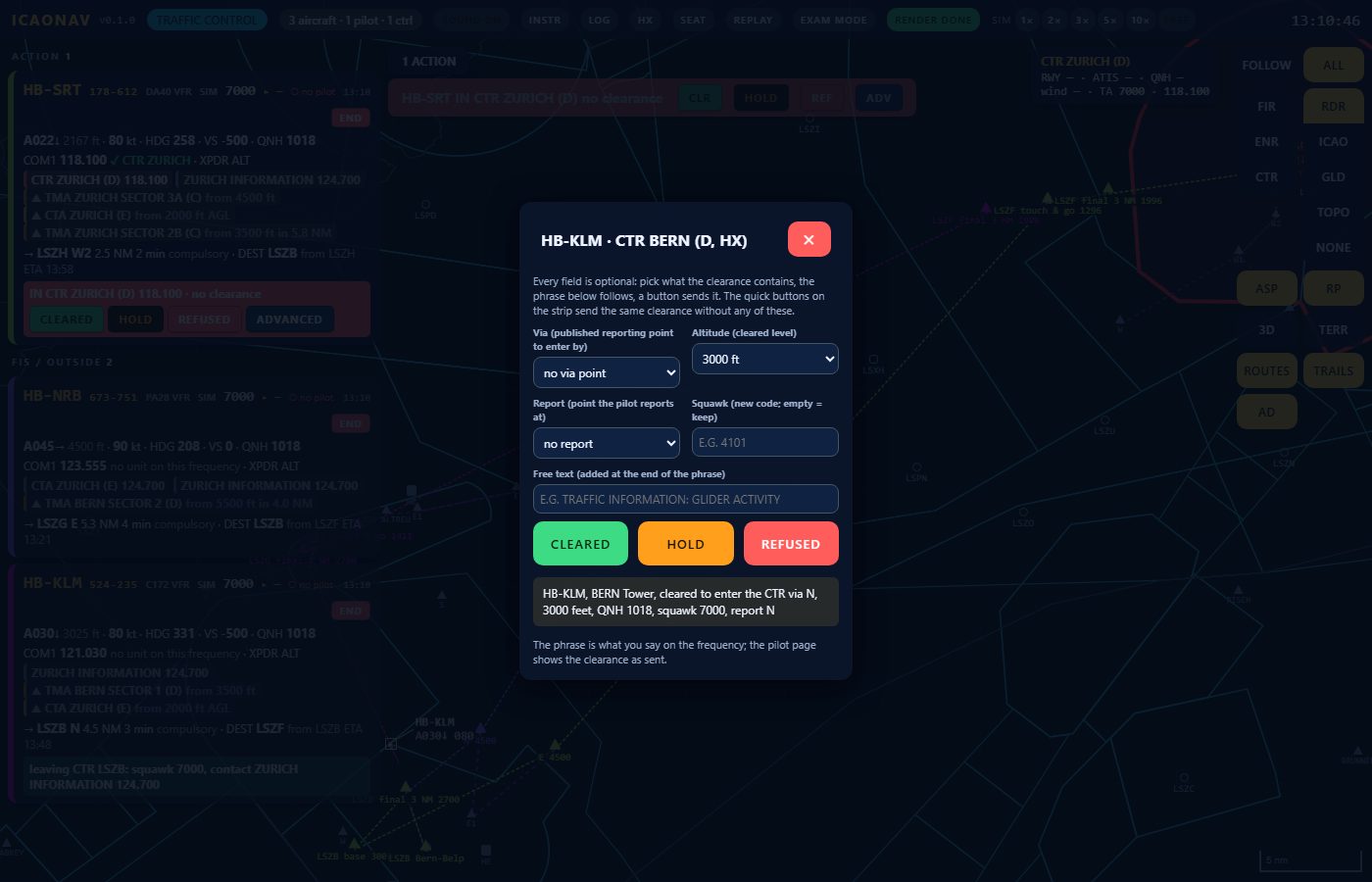
The advanced clearance editor on the controller page: via point, altitude, report point, squawk, free text and the resulting phrase for the pilot
A clearance in standard phraseology.
The pilot page at iPad landscape size: ICAO chart, instrument panel and the map controls
The pilot page on an iPad.

The eVFR Manual in the app

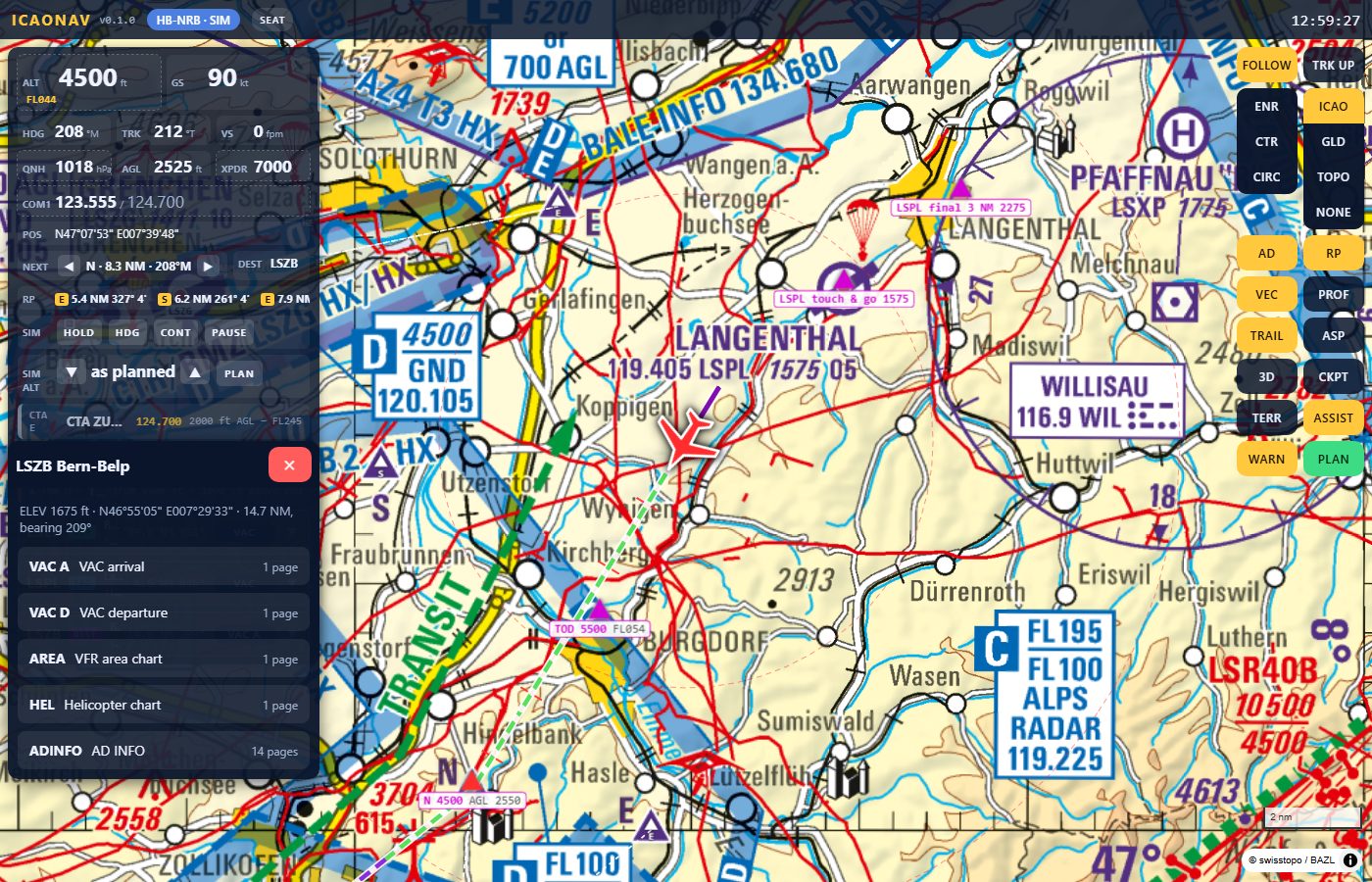
If you have a Skybriefing account, ICAONAV downloads the skyguide eVFR Manual (AD section) with your own credentials. Within 10 NM of an aerodrome its VAC, area chart, heliport chart and AD INFO open on the page. The manuals are licensed content and are not included in the download.

The aerodrome sheet of LSZB Bern-Belp under the instrument panel: elevation, position, distance and bearing, and the document list VAC A, VAC D, AREA, HEL, AD INFO
The VAC of the nearest aerodrome from the eVFR Manual, opened on the page.

One PC, many screens

The PC runs ICAONAV and shows a QR code in the tray. Every device on the same Wi-Fi opens the address: one tab per seat, pilots and controller alike. Add the page to the iPad Home Screen and it runs full screen.

  1. Start ICAONAV on the PC. The tray icon shows the address and a QR code.
  2. Open it on each device. iPad, phone or laptop on the same Wi-Fi, in the browser.
  3. Take a seat. Pilot with a simulated flight or a simulator, or Traffic control.

Early access

ICAONAV is version 0.6.0 and in early access. The preview build is not yet code-signed, so Windows SmartScreen shows a warning the first time. Windows 10/11 64-bit; no .NET installation needed. Not for real navigation.

Download for flight simulators Download the standalone game Exam mode for schools