Exam mode
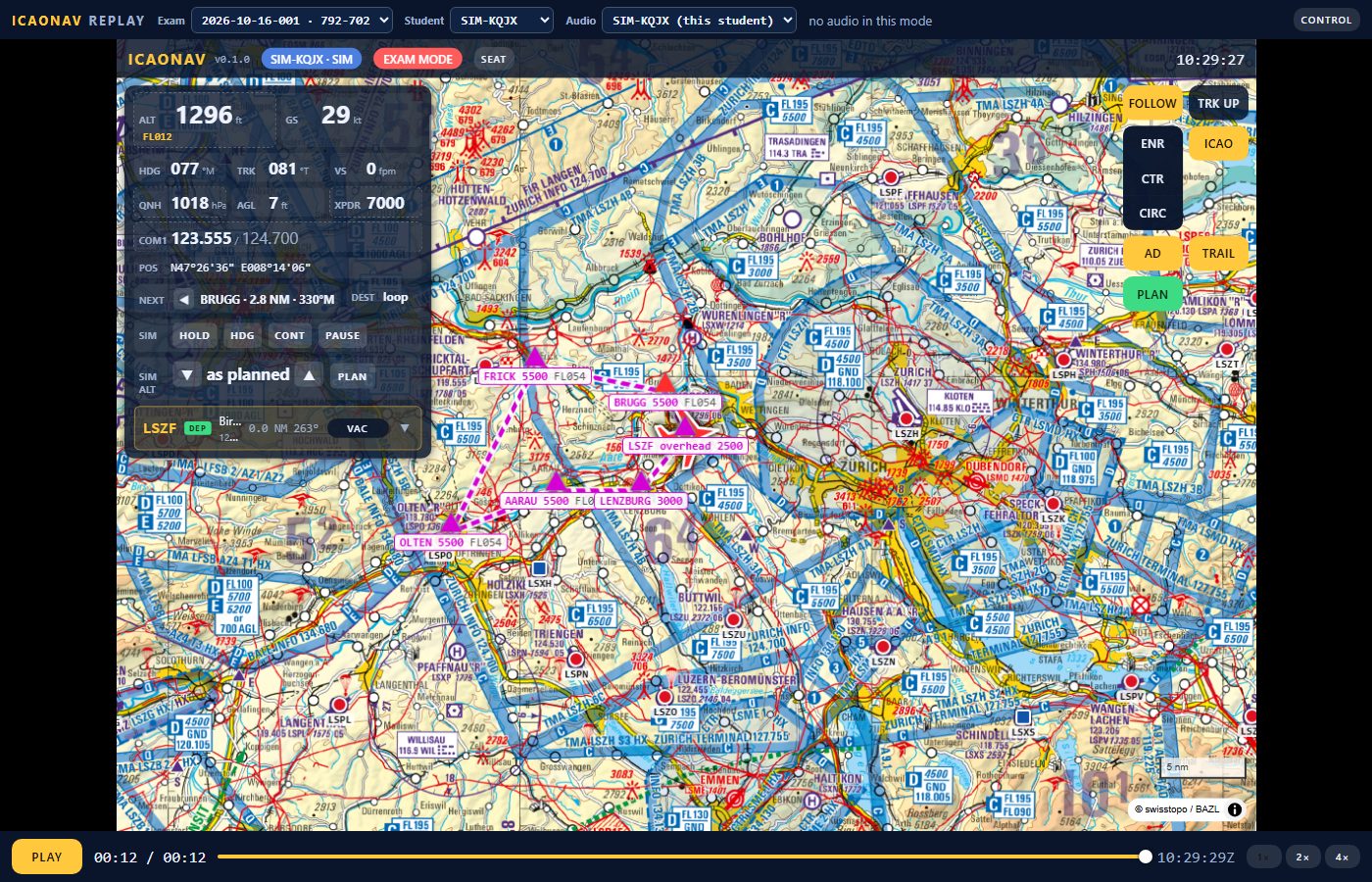
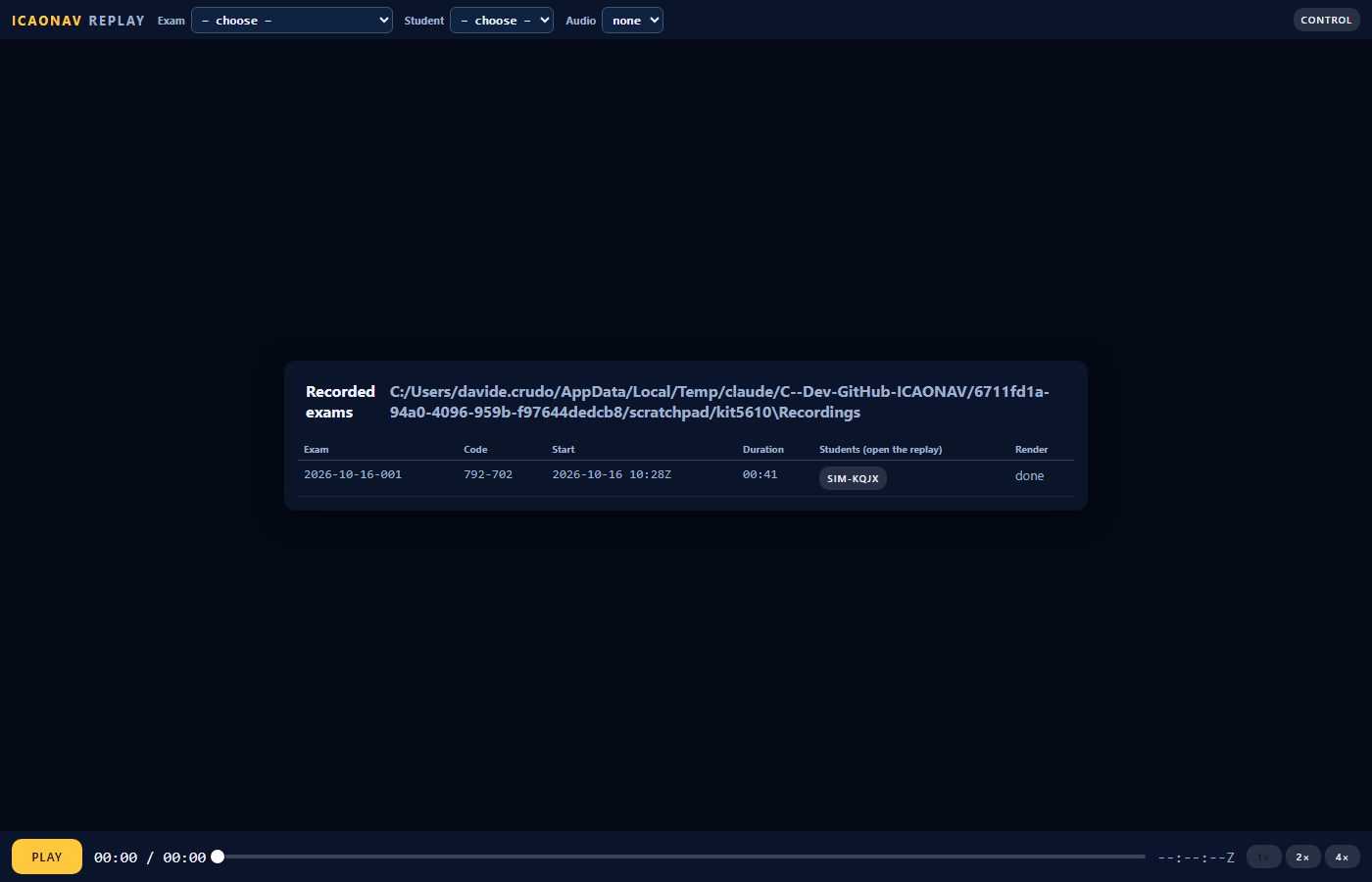
The examiner takes the controller seat and presses EXAM MODE. Every pilot page loses the glider and topographic maps, 3D, terrain, warnings, assist and route checks: the ICAO chart, the instruments and the plain route stay. The exam gets an id and a six-digit code; one exam runs at a time.
The examiner's page
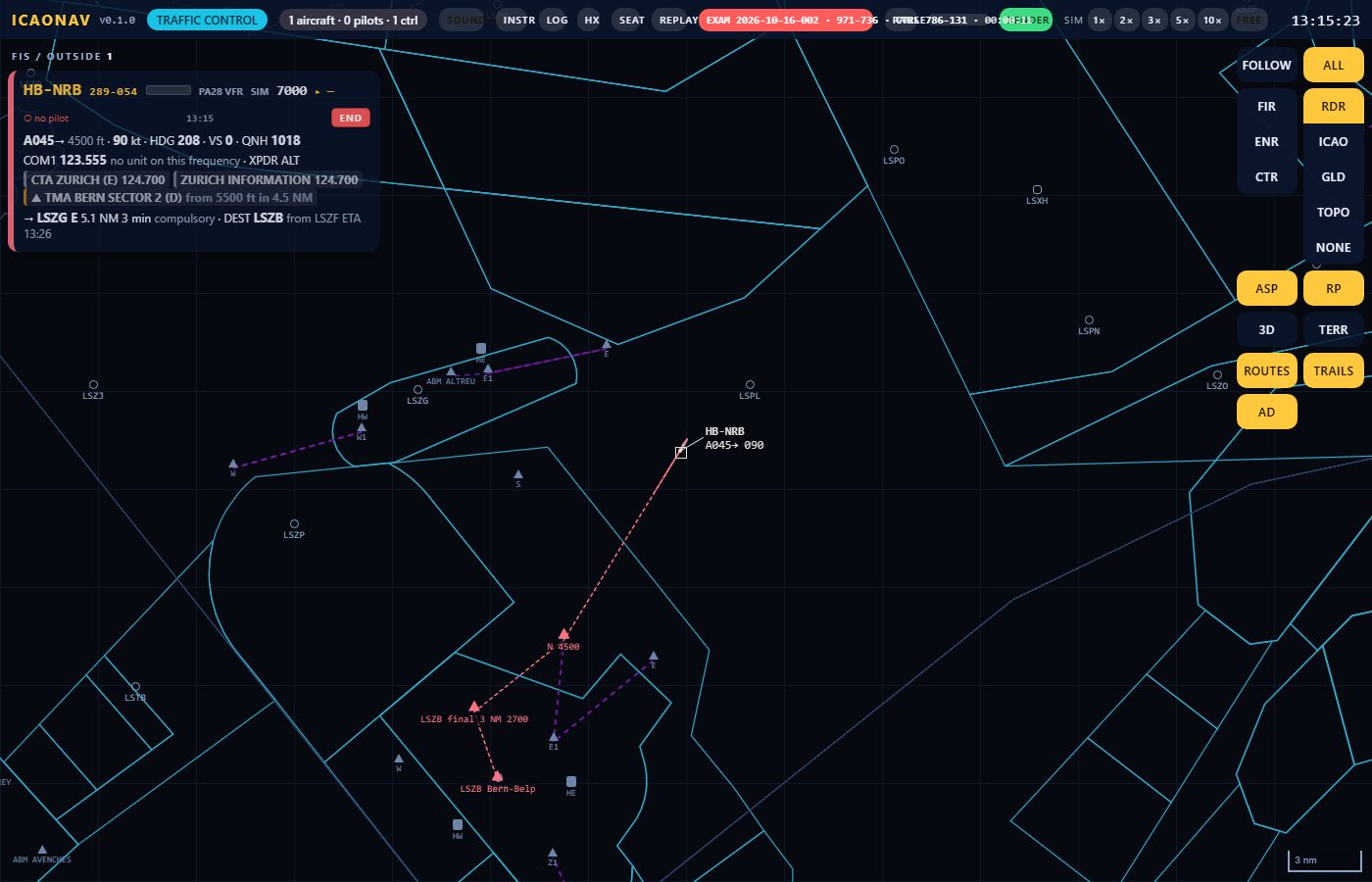
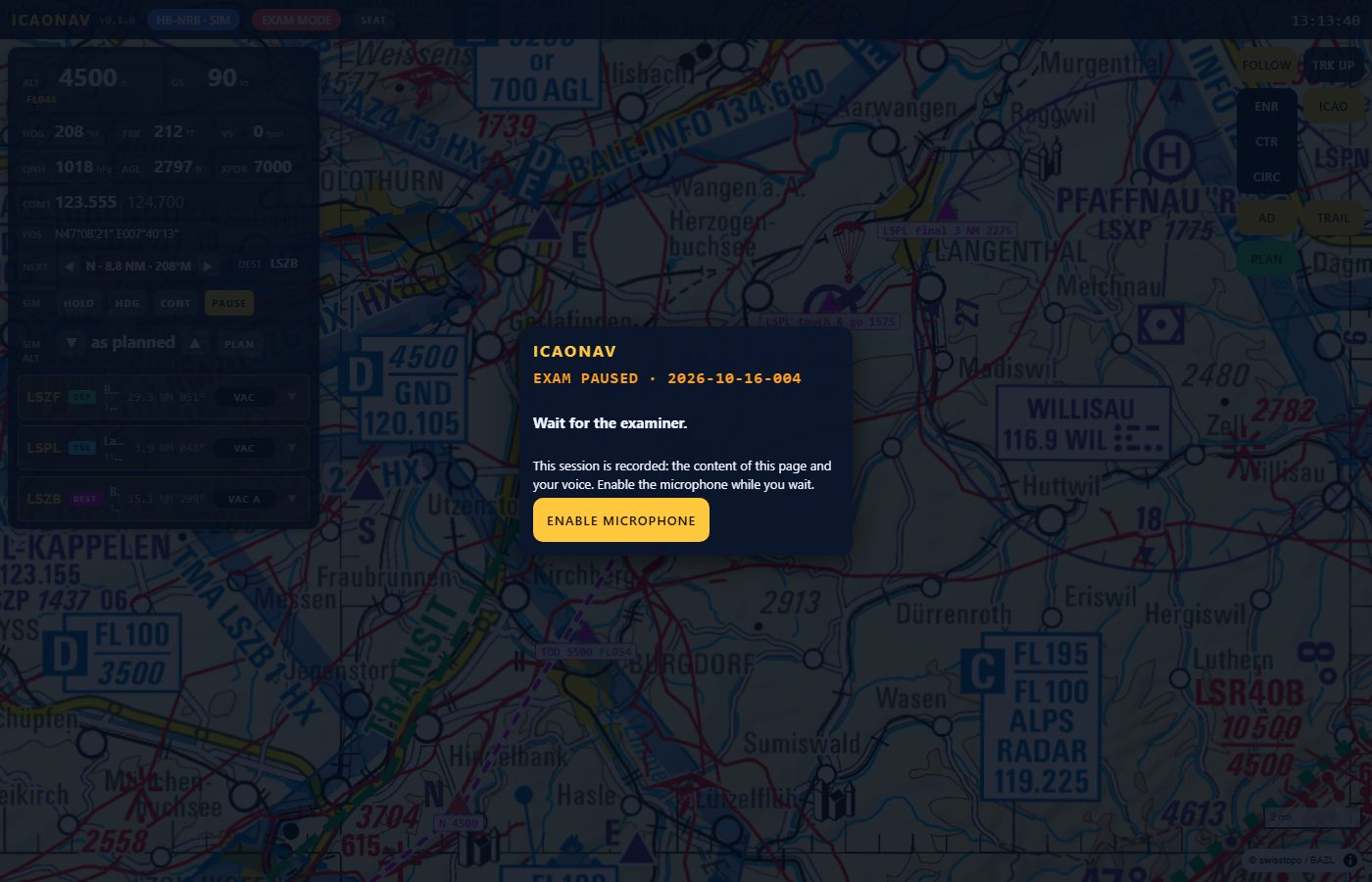
The controller page with the exam display in the top bar: exam id, code, controller id, exam time, the examiner's own microphone level. Strips show a microphone bar per student (ok, silent, stopped, offline). PAUSE stops every simulated flight and the recording; RESUME continues. The exam starts paused so the students enable their microphones while they wait.
 ICAONAV